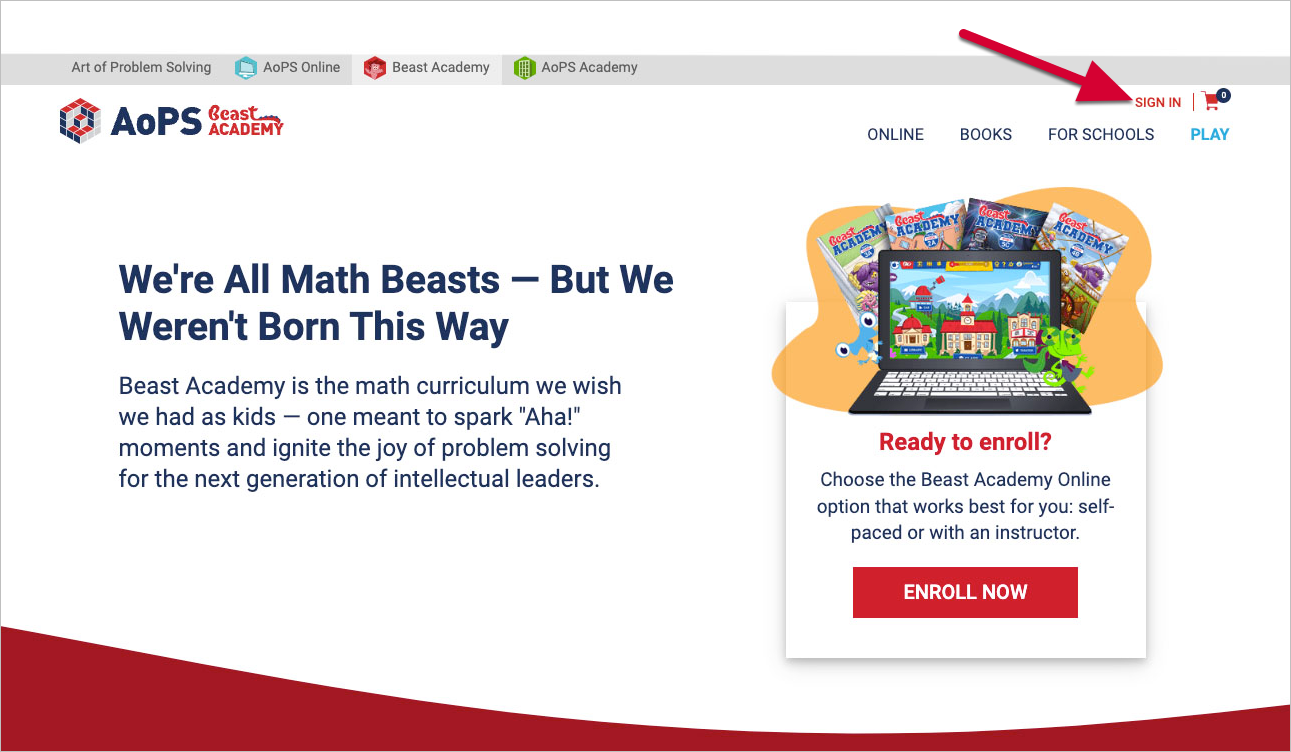
- Go to beastacademy.com
Go to beastacademy.com.
- Select Sign in
Select Sign In on the top right corner of beastacademy.com.
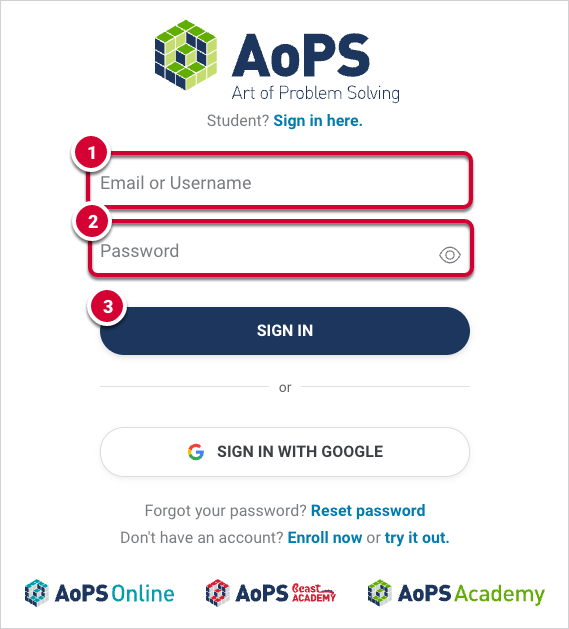
- Input Parent Account information
On the Sign In page:
- Enter the email associated with your Parent Account in the Email or Username field.
- Enter your Parent Account password in the Password field.
- Select Sign In.
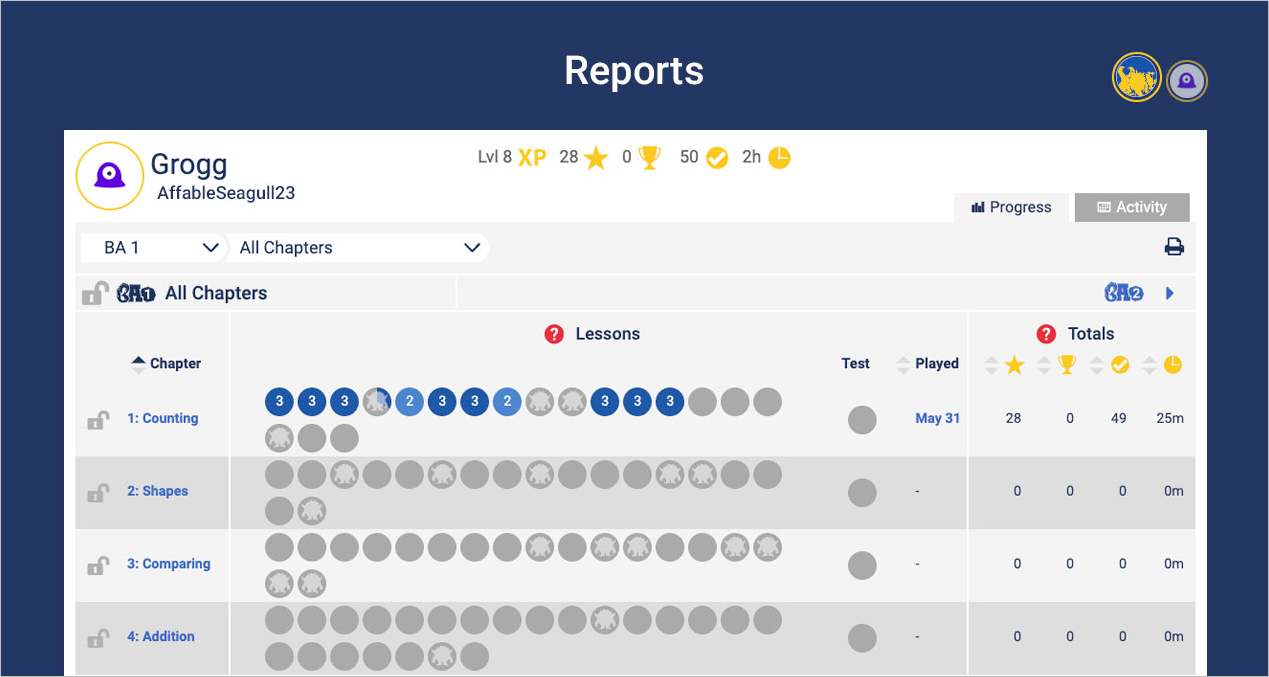
Once you're signed in, you'll automatically be taken to your Parent Reports page: