- Go to beastacademy.com
Go to beastacademy.com.
If you see Sign In at the top right of the page, that means that you're signed out of your Parent Account and you can proceed to the next step.

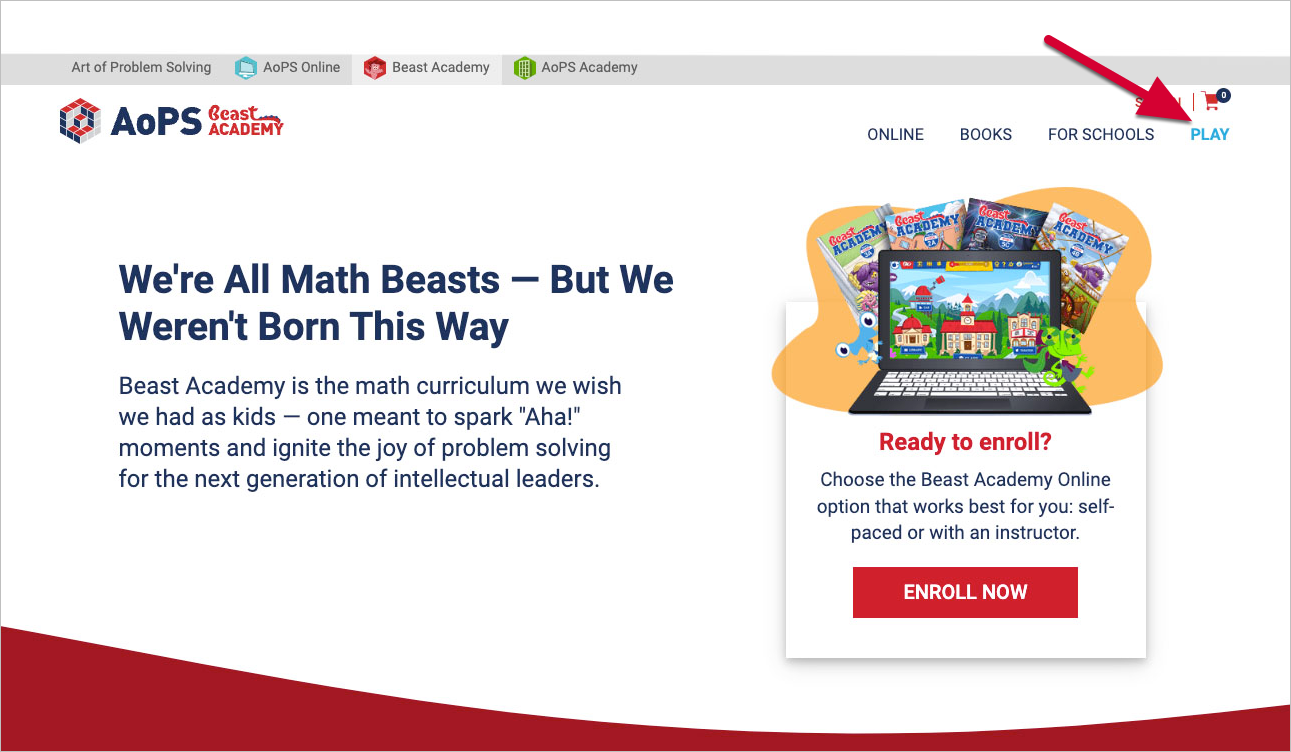
- Select Play
Select Play on the top right corner of beastacademy.com.
- Input Student Account Information
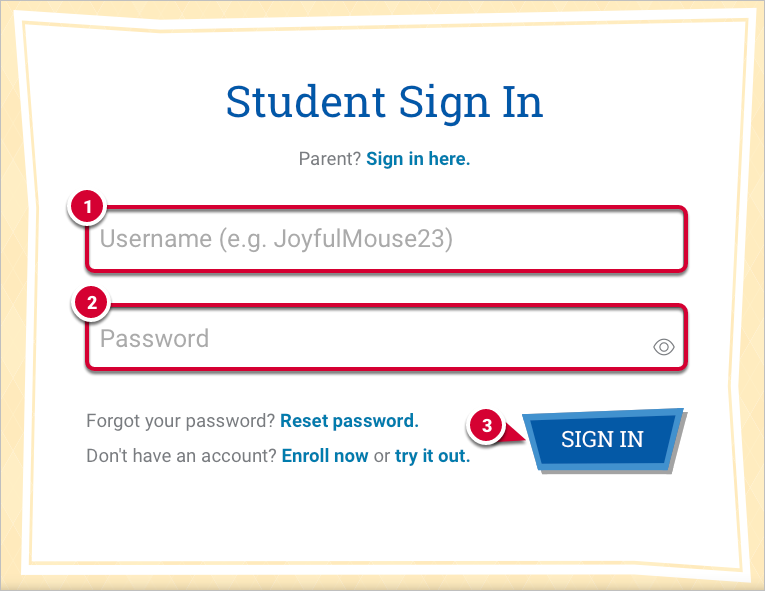
On the Student Sign In page, you or your student will need to:
- Enter their nickname in the Username field.
- Enter their password into the Password field.
- Select Sign In.
How Students Sign In to Their Student Account to Play Beast Academy Online
Updated on